

Anti-Money Laundering compliance is not one-size-fits-all. Every organization has its own risk levels, customer profiles, and regulatory obligations; as a result, AML screening must be flexible enough to fit those differences.
That’s why Prembly Custom AML Rules is designed to make this process seamless. This feature enables organizations to set and apply their own screening criteria, ensuring AML checks align with their internal compliance policies and risk appetite. So, rather than depending only on default configurations, users can tailor screening parameters to fit their operational requirements.
With Custom AML Rules, every AML check conducted through Prembly can automatically screen against the rules you’ve created, enabling teams to gain improved accuracy, efficiency, and control over their compliance workflows, all from a single, intuitive interface.
How to Set Up Custom AML Screening Rules on Prembly
Step 1: Log In
“Start by logging into your Prembly account.”
Step 2: Open the AML setup
“From your dashboard, go to AML Setup under Integrations.”
Step 3: Create a New Rule
“Click on Create a New Rule to begin creating your rule.”
Step 4: Create Custom AML Rule
“It will open a page to start configuring a new AML screening rule.”
Step 5: Enter Rule Details
Now enter the required details:
- Rule name
- Description
- Severity Level
- Action Settings
- Auto-flag entities
Automatically flag entities that trigger this rule.
- Require manual review
Flagged entities must be manually reviewed.
- Send notifications
Send email alerts when this rule is triggered.
- Notification Emails
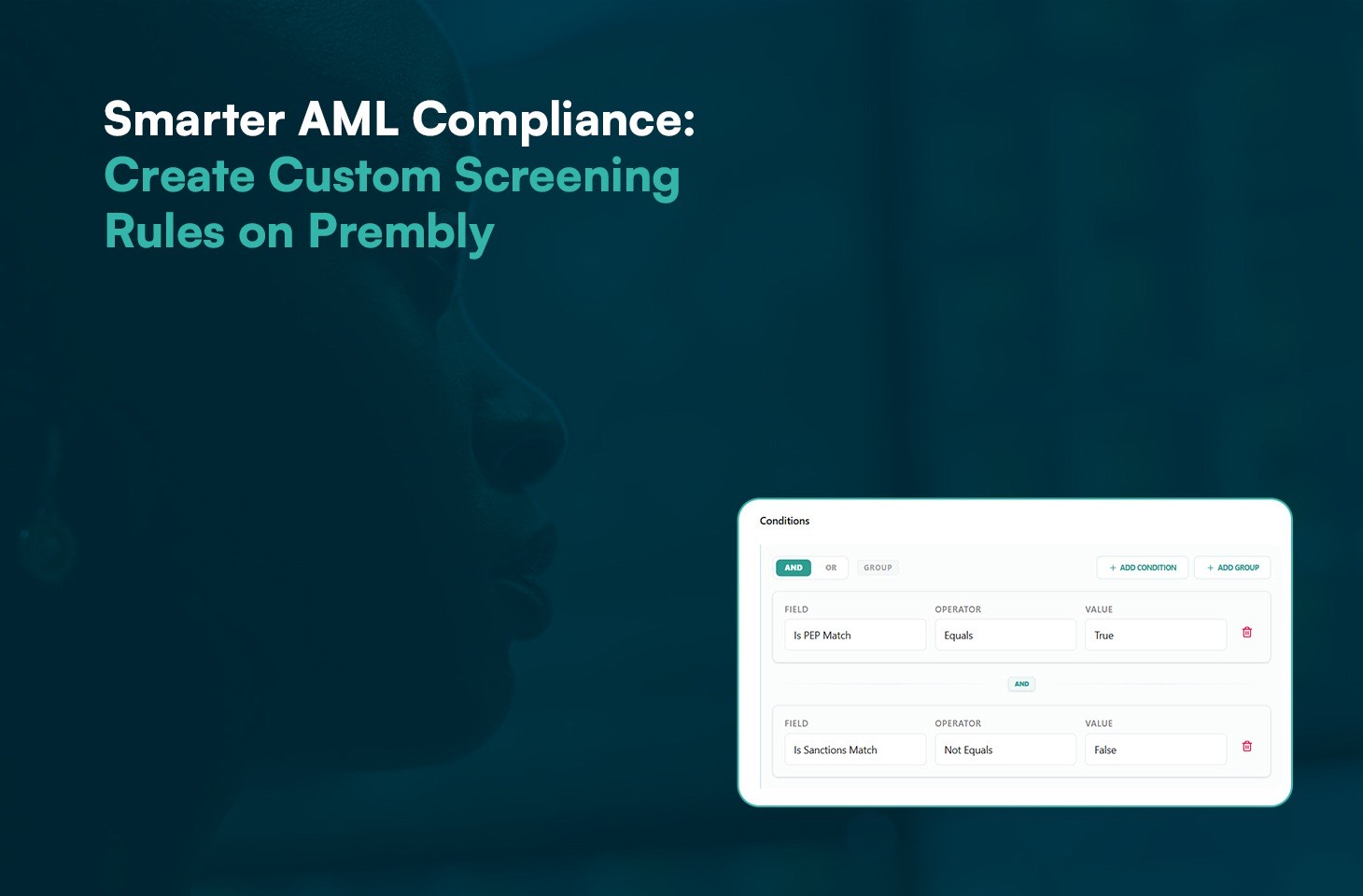
- Conditions
Enter required details:
- Field
- Operator
- Value
NOTE: You can add as many conditions as needed, depending on the complexity of your rules. You can also group conditions by clicking “Add group.”
Step 6: Create Rule
“Click “Create Rule” to add it to your AML setup. Once added, all future AML checks will automatically be screened against the rules you’ve created.”